From menu to pickup
How it works.
Choose your bar and pickup station, order in your browser, then follow the order page. When it says Ready, show your pickup code to staff and collect your drinks.
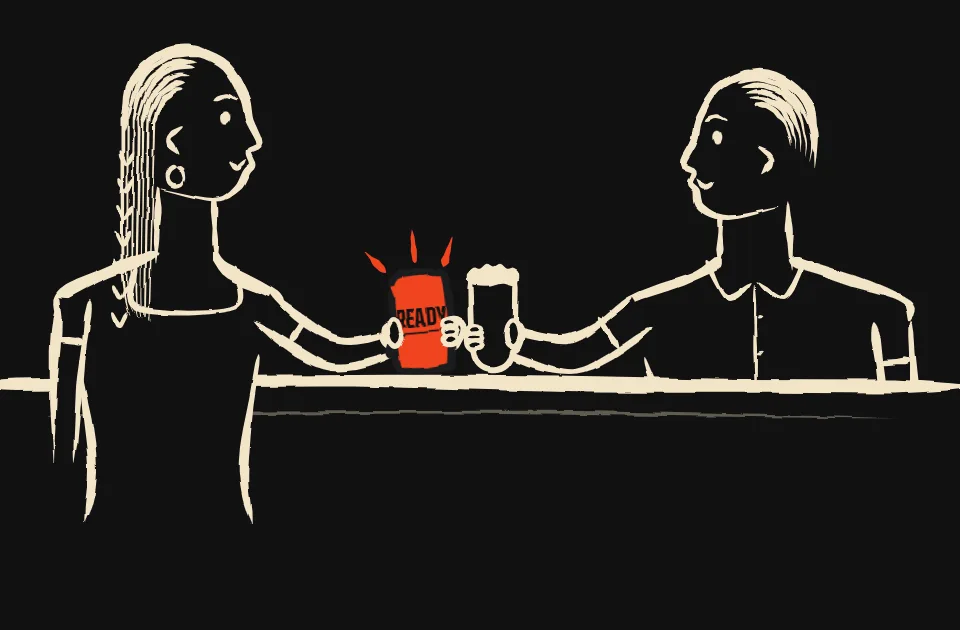
How the night goes
Five steps. One walk to the bar.
Find your bar.
Search by name or city, then choose your pickup station and open its menu.
Choose how to pay.
Pick your drinks and tip, then review the total. Pay with your phone’s wallet or use a tab when offered.
Stay with your friends.
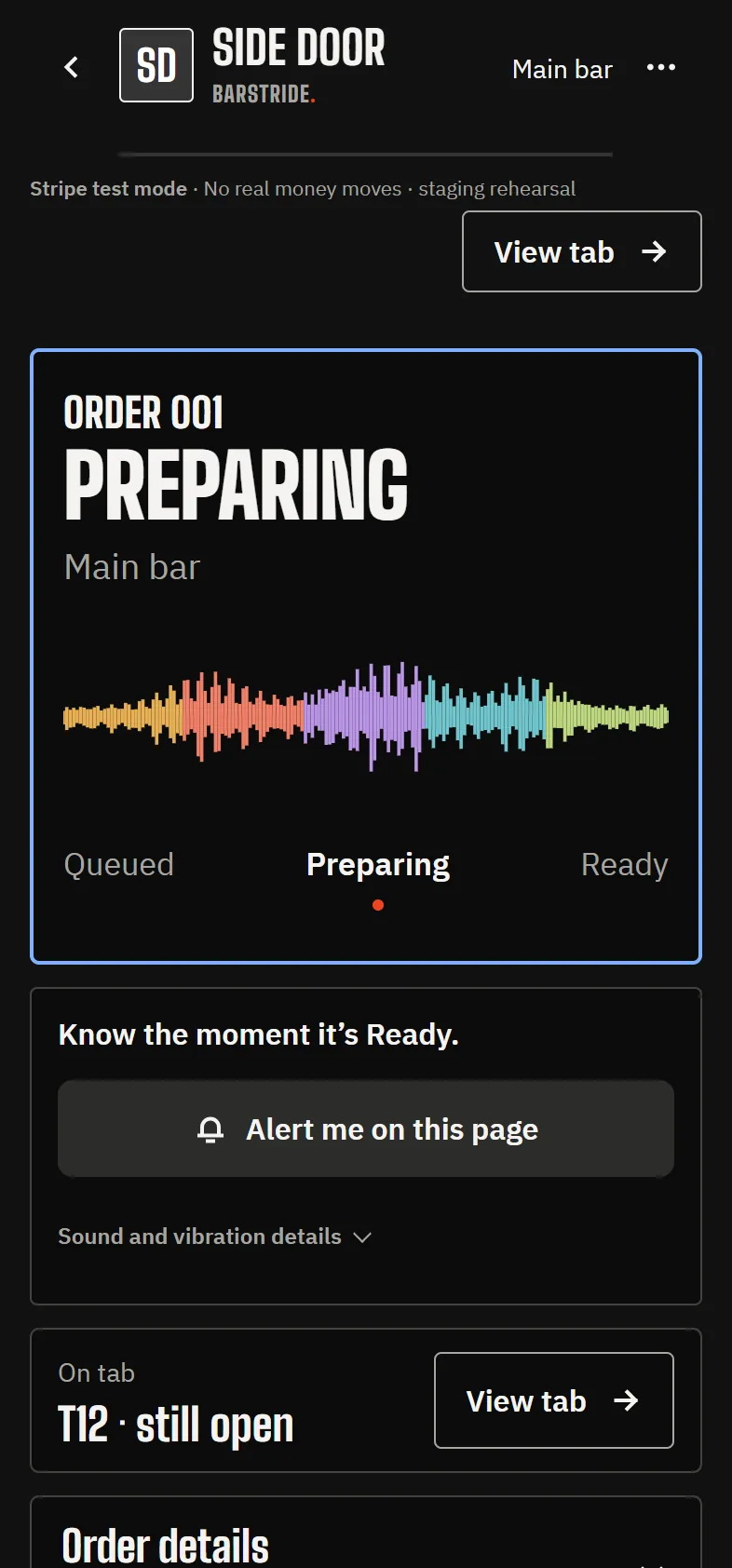
Keep the order page open to follow progress while staff prepare your drinks.
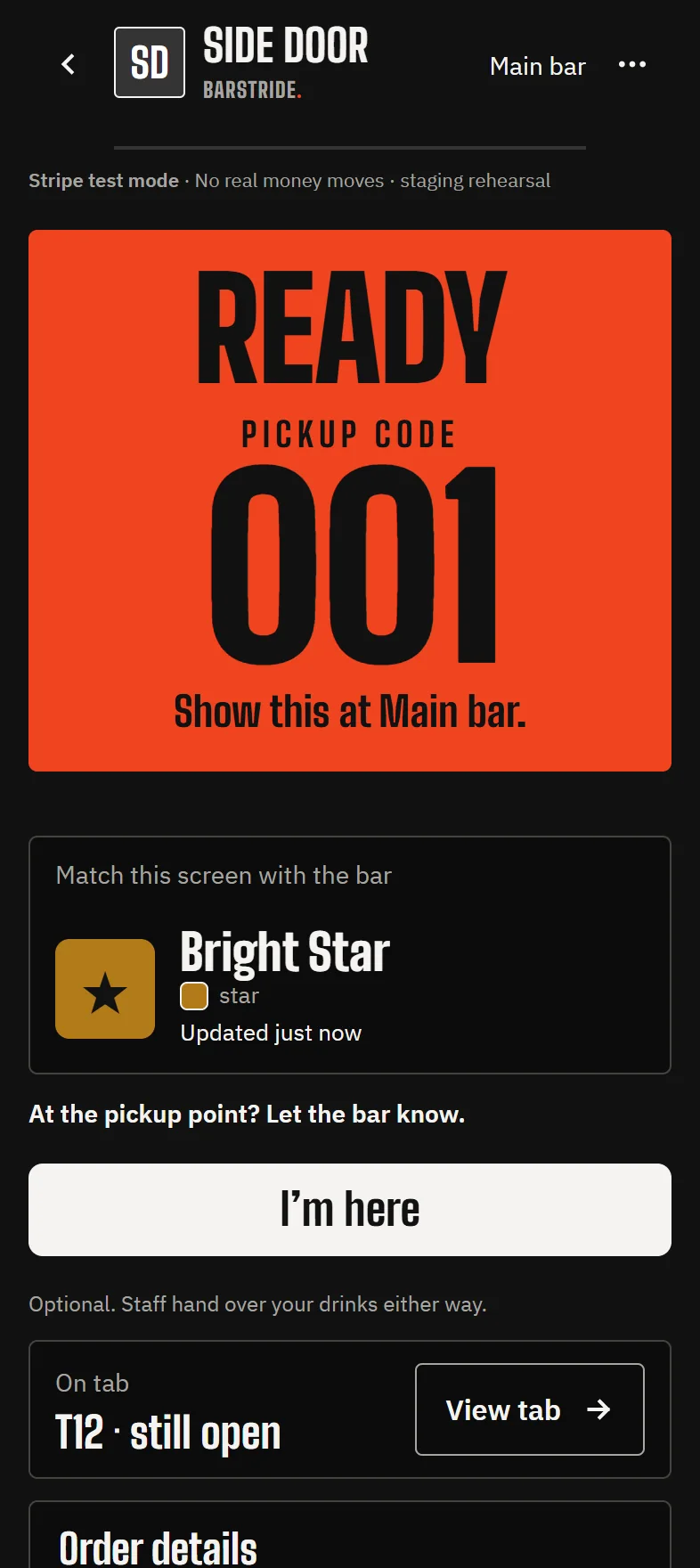
It says Ready.
Your pickup code, station and matching cue are on screen.
Walk up once.
Show staff your code and cue at pickup. They handle ID checks and the handover.
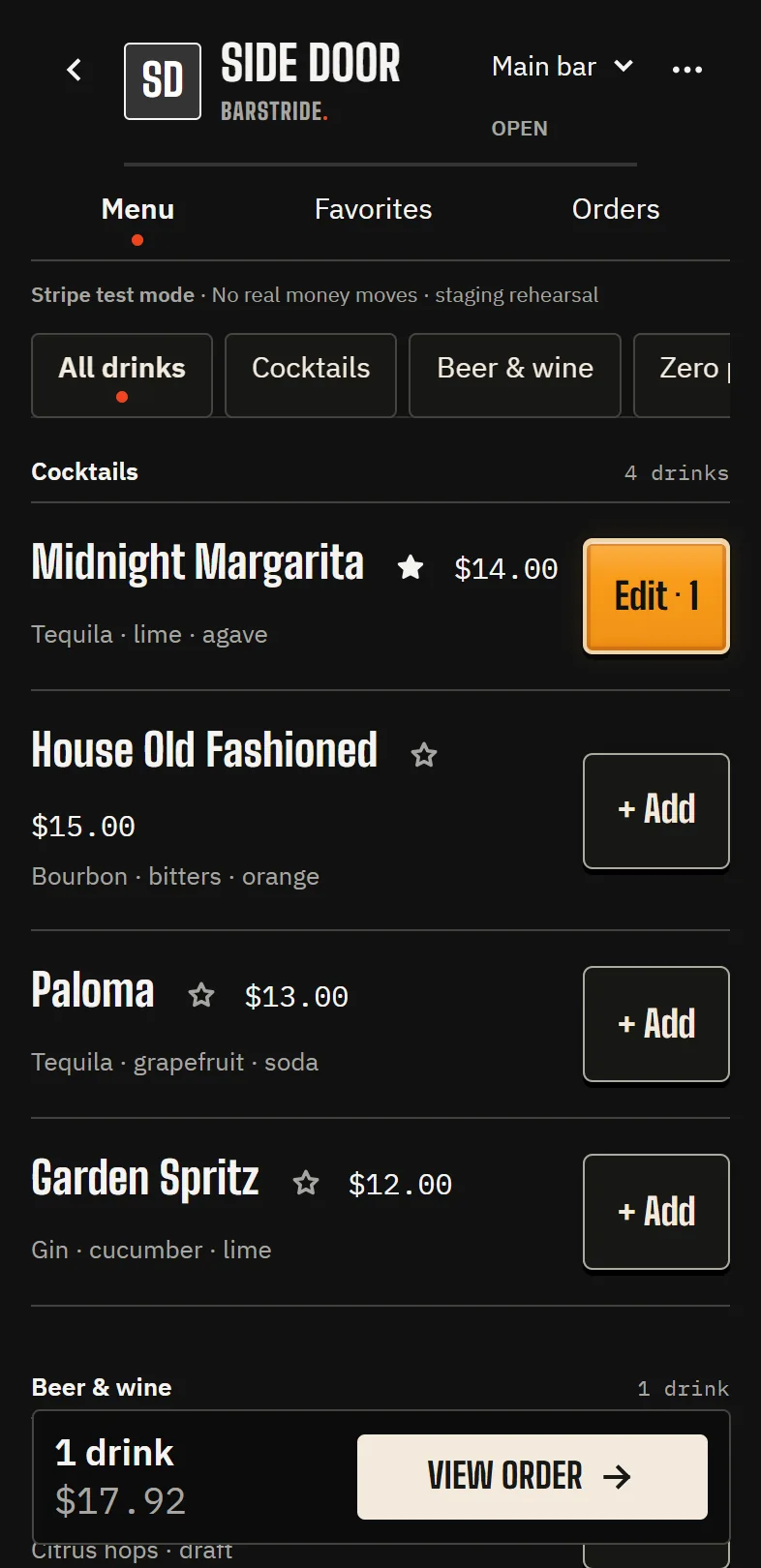
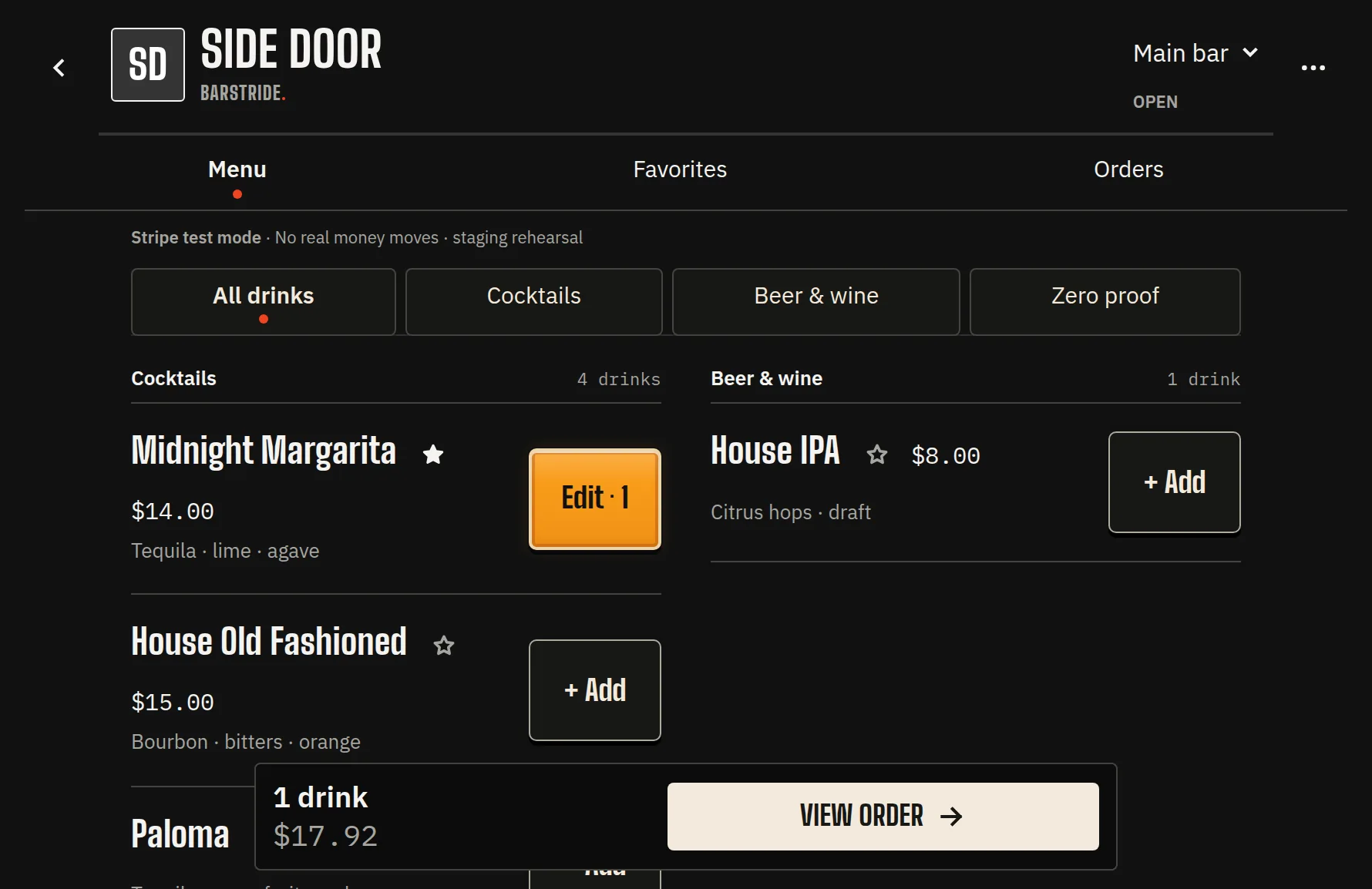
Room to unfold.
The menu adapts to the room on screen, keeping more of the list visible while you browse.
Before you order.
Do I need an app or an account?
Ordering is designed for your phone’s browser, with guest checkout. An optional account keeps your favorite bars and drinks, order history and receipts. App coming soon.
Do I need to scan a QR code?
You can search by bar name or city, then choose a pickup station. Venues can also choose QR cards that link to their menu.
What can I pay with?
The pilot checkout is designed for Apple Pay and Google Pay. If a compatible wallet is unavailable, order at the bar.
How does a tab differ from Pay now?
Pay now charges this order. Where offered, a tab holds your chosen limit and charges once when it closes. It covers drinks made for you, including any you leave uncollected; drinks staff cannot serve are excluded. The unused hold is released, with timing controlled by your bank.
Can I use one tab at every station?
A Barstride tab belongs to the station where you opened it. It is separate from any tab in the venue’s POS. You or staff can close it. It also closes when that station closes or at the tab deadline shown on screen.
Where do I collect?
Wait for Ready, then meet staff at the pickup station you chose before ordering. Show your code and cue. Staff handle ID checks and may refuse service. The pilot is for onsite pickup, without table delivery.
Will I get a text when it’s ready?
No texts are planned for launch. Keep your order page open for Ready and your pickup cue. Optional Ready alerts depend on your device and notification permission.
What if the bar pauses phone orders?
A pause stops new phone orders at that station. Accepted orders stay with the team to finish. Counter service remains available when the venue offers it.
Behind the bar
One queue. The bar sets the pace.
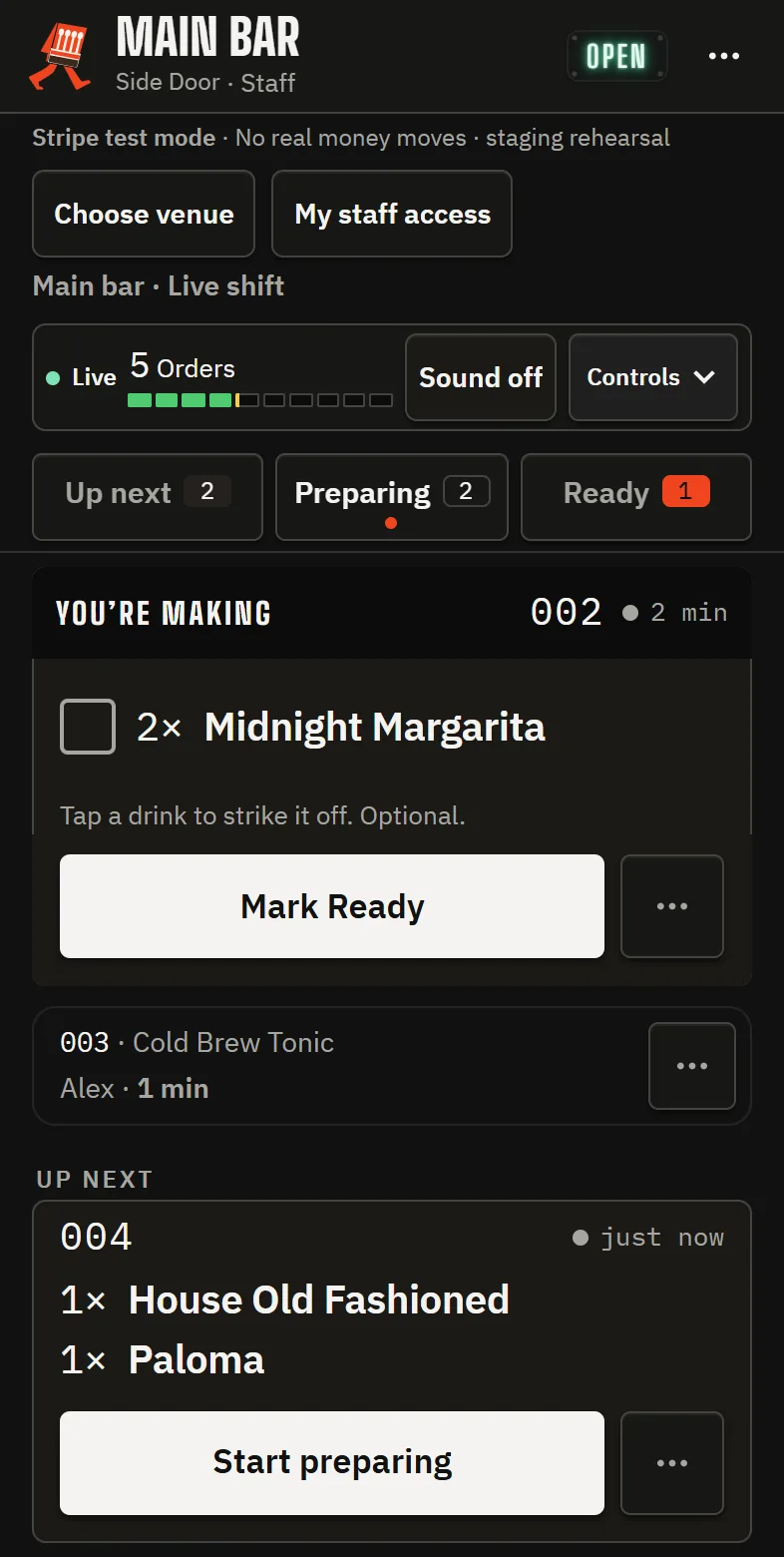
Phone orders land in one queue at the station you picked. Nothing starts until a bartender taps Start preparing.
For bars & clubs